
Review cleaning across every property.
Property management cleaning software that connects resident reports, cleaning records, and contractor responses to the right building.
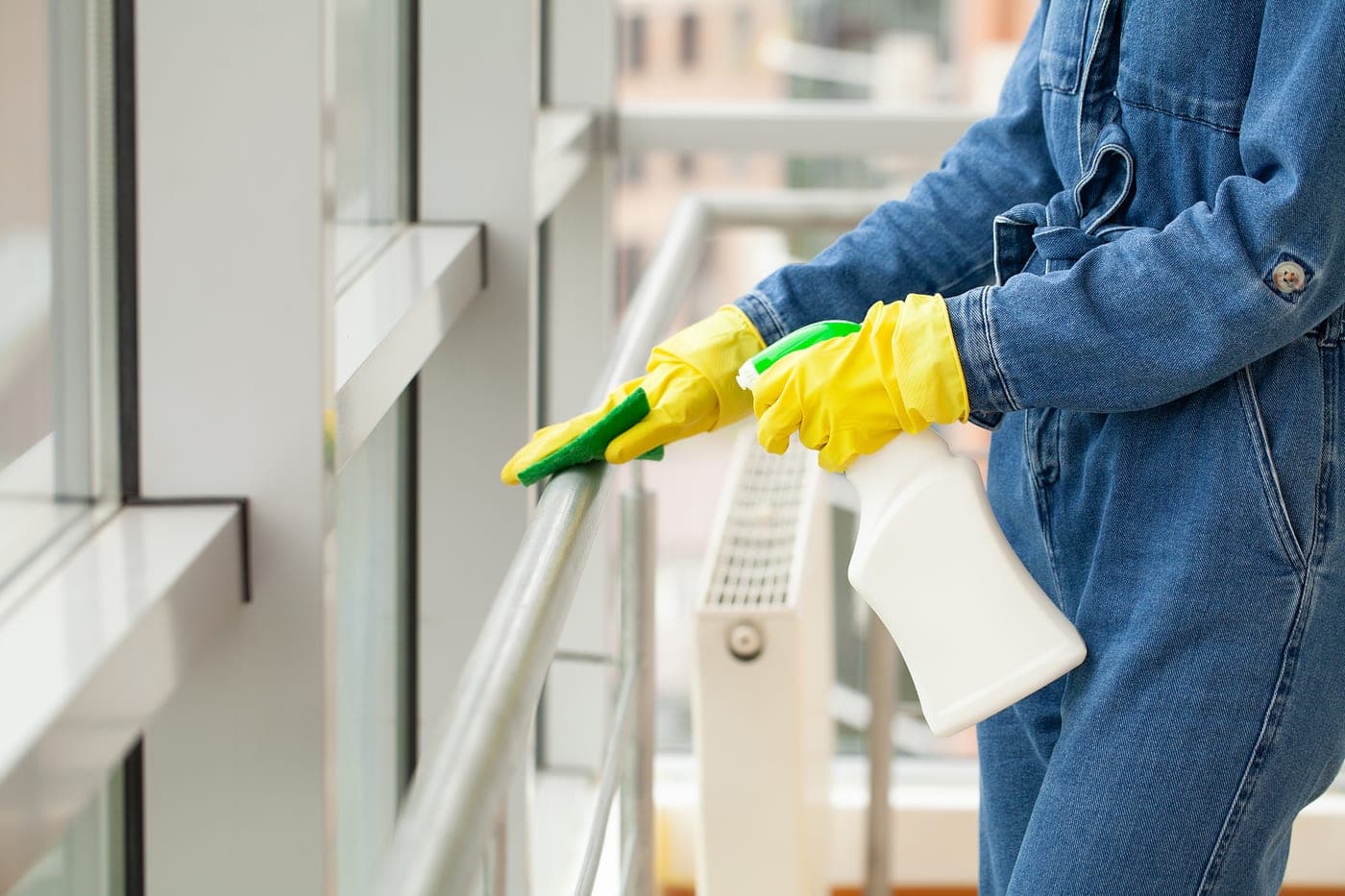
Follow a cleaning issue in the building where it happened
A resident scans the tag in a common area and reports a cleaning problem. The report carries the building and zone to the assigned team. Staff handle the issue and document the response, with photos or notes attached where provided.
The contractor can retrieve that response alongside the original report. With client portal access enabled, the property manager can review the records shared for that facility. Routine cleaning records remain available separately, so a quiet week of resident reports does not stand in for a service history.
Where teams usually lose visibility
- Resident complaints arrive without a clear building or common-area location.
- Cleaning photos sit in separate conversations for each contractor or property.
- Property managers ask for updates without access to the service records.
A clearer system for reporting, routing, and proof
- Route a resident report to the team assigned to that zone.
- Keep the documented response and attached evidence with the issue.
- Give property managers access to the records shared for their facility.
Built for real facilities work, not generic task tracking
CleanScan combines issue reporting, team routing, and service verification in one workflow so operators and contractors can work from the same ground truth.
Building and zone attached to each tag-based report
Cleaning records and issue history organized by location
Client portal access enabled for each service relationship
Built for property management teams that need faster response, clearer accountability, and fewer status-checking loops.
One system for the team doing the work and the team overseeing it
CleanScan works best when both sides can see the same record: what was reported, who owns it now, and what proof exists once the work is done.
Give clients proof, not vague status updates
Contractors use the location record to answer questions about a particular clean or reported problem.
Keep standards visible across every location
Property managers review shared records and open issues before following up with the contractor.
Common questions about CleanScan for property management
Can CleanScan work across multiple managed properties?
Yes. Contractors can review their client sites by facility and zone. Property teams see the locations they have access to; a client portal shows the records shared for that facility when access is enabled.
Where do property teams usually place tags?
Common placements include lobbies, elevators, hallways, mailrooms, package rooms, restrooms, amenity spaces, trash rooms, and other areas where residents or tenants notice service problems first.
Does CleanScan replace property management software?
No. Keep your existing tools for leases, rent, resident accounts, and planned maintenance. CleanScan handles cleaning records, location-based issue reporting, and documented responses.
How CleanScan helps in property management
Show the work. Keep the record.
Cleaning verification and documentation app. Zone-level service records with photos, notes, timestamps, and client-ready history.
Explore solutionScan a tag. Report an issue. Done.
Purpose-built for cleaning accountability — not a CMMS. QR and NFC tags turn any zone into one-tap issue reporting routed to the right team.
Explore solutionGive clients a clear record of the work.
Prepare cleaning reports with notes and photos, then publish them to your client portal. Give each client access to records for their facilities.
Explore solutionKeep photo proof with the work.
Keep cleaning photo proof with the issue, zone, resolver, and recorded time. Review attached evidence with clients through an enabled facility portal.
Explore solution
Ditch the groupchats and email threads.
Free for small teams. Talk to us for multi-site plans.