
See every building at once, act only where it counts
Photo proof, real-time issue tracking, and shared accountability across lobbies, hallways, gyms, pools, package rooms, trash rooms, and shared amenity spaces.
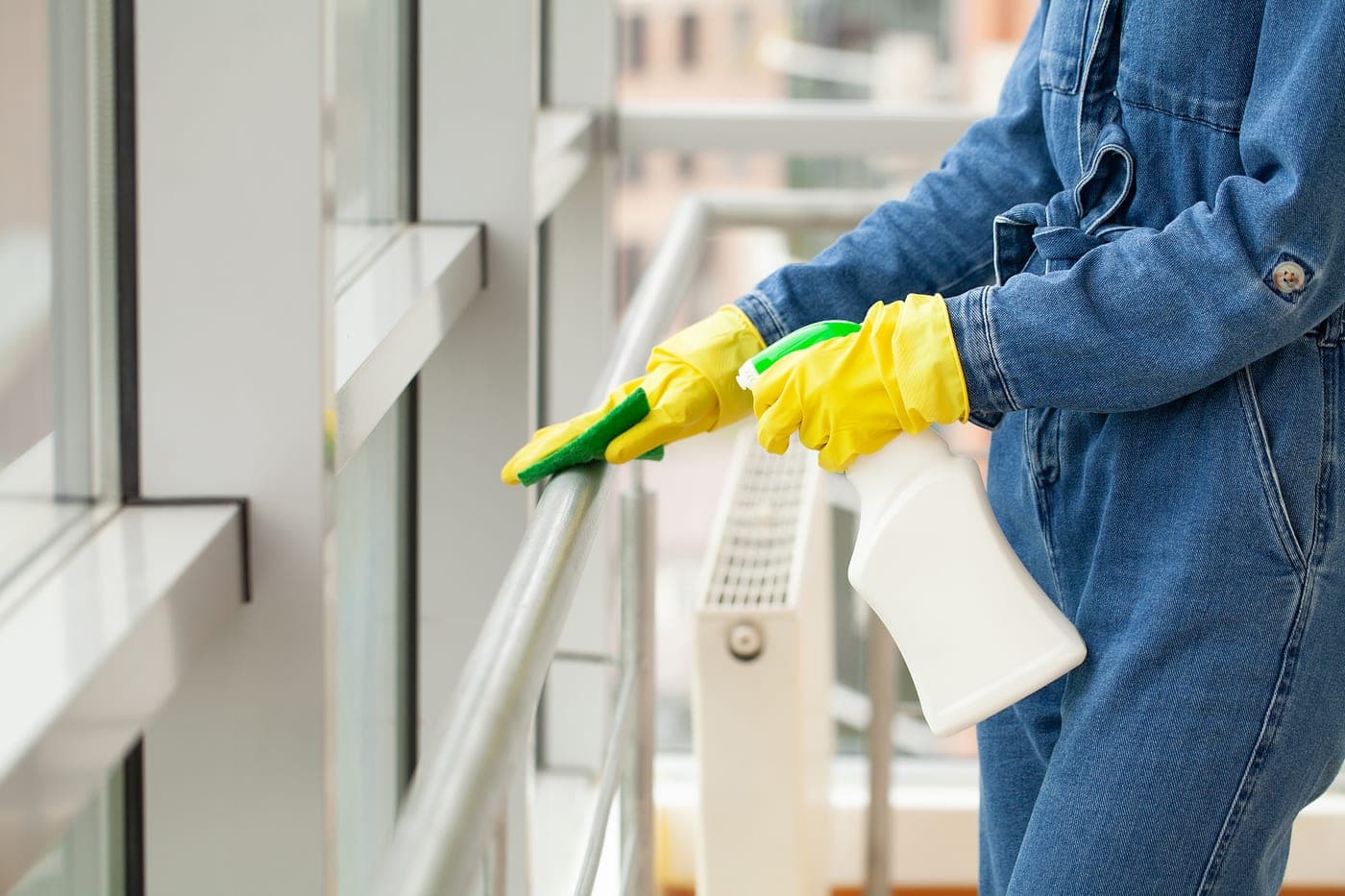
Multifamily cleaning issues start in shared spaces and escalate fast
Multifamily properties run on resident perception. A missed lobby detail, overflowing trash room, dirty package area, or neglected amenity space can move from a small service issue to a public complaint quickly, especially when residents report problems through front desks, portals, emails, and after-hours calls.
Porter teams, contractors, and property managers need a shared record for those common areas. Reports are tied to the exact zone, follow-up is visible, and photos or notes can be reviewed later by the property team without asking the porter or contractor to recreate the timeline.
Larger properties rarely clean every space every day. Garden-style and campus-style sites run dozens of laundry rooms, stairwells, mail areas, and amenity spaces on a rotating schedule, which leaves long gaps where a problem can sit unseen between visits. A tag in each zone closes that gap: anyone can flag an issue the moment they spot it, and it routes to the right team to resolve on the next pass instead of waiting for a complaint.
Where teams usually lose visibility
- Defending service quality when residents report issues through scattered channels — front desk, email, online portal, after-hours calls.
- Showing consistent proof of work across high-touch shared spaces like gyms, pools, package rooms, and trash chutes.
- Coordinating porter, contractor, and maintenance teams across multiple buildings without a shared system of record.
- Keeping eyes on rooms that are not cleaned every day — laundry rooms, stairwells, and amenity spaces across dozens of zones on a rotating schedule, where issues can sit unnoticed between visits.
A clearer system for reporting, routing, and proof
- Document service completion with timestamps, notes, and photos that property managers and residents can see.
- Reduce resident complaints by surfacing issues at the source instead of waiting for them to escalate.
- Track team coverage and resolution time across an entire portfolio from one dashboard.
- Catch problems in rotating or low-frequency zones the moment anyone scans, so they get resolved on the next pass instead of escalating into a complaint.
Built for real facilities work, not generic task tracking
CleanScan combines issue reporting, team routing, and service verification in one workflow so operators and contractors can work from the same ground truth.
QR and NFC tags placed in lobbies, hallways, gyms, pools, and amenity spaces
Photo proof and cleaning logs that resident-facing staff can reference without chasing the porter team
Cross-building reporting for property managers running multiple addresses
A tag in every zone — including spaces on a rotating schedule — so an issue can be reported and routed even on a day the area is not being cleaned
Anonymous 1–5 resident ratings on the same tags — amenity and common-area sentiment with no app or login
Built for multifamily teams that need faster response, clearer accountability, and fewer status-checking loops.
One system for the team doing the work and the team overseeing it
CleanScan works best when both sides can see the same record: what was reported, who owns it now, and what proof exists once the work is done.
Give clients proof, not vague status updates
Cleaning and porter contractors use CleanScan to prove work across multifamily portfolios — from low-rise garden apartments to high-rise towers — without depending on text-thread updates.
Keep standards visible across every location
Property managers use CleanScan to keep resident-facing spaces accountable and review contractor performance with timestamped records.
Common questions about CleanScan for multifamily
Can residents report cleaning issues with CleanScan?
Yes. Residents can scan a tag in a common area and submit a report without installing an app. The property or service team receives the report with the location attached.
How does this help porter teams?
Porter teams can document work by lobby, hallway, amenity, package room, trash room, or other shared space, creating a record managers can review without interrupting the shift.
Can CleanScan support multiple buildings in one portfolio?
Yes. Teams can organize records by facility, building, and zone so regional managers can see activity across a portfolio instead of relying on separate building updates.
What about spaces that are not cleaned every day, like laundry rooms on a rotation?
That is where a tag in every zone matters most. On a large or garden-style property, many areas are serviced on a rotating schedule rather than daily. A tag lets a resident or staff member report an issue in any zone the moment they notice it — even on a day the area is not being cleaned — and the report routes to the right team so it can be handled on the next pass instead of waiting for a complaint.
How CleanScan helps in multifamily
Scan a tag. Report an issue. Done.
Purpose-built for cleaning accountability — not a CMMS. QR and NFC tags turn any zone into one-tap issue reporting routed to the right team.
Explore solutionOne view for your team and your clients
Janitorial software for building service contractors and cleaning operators. Shared client portal, issue routing, proof of work — no spreadsheets.
Explore solutionManage every crew. Across every site.
Operations software for building service contractors. Multi-site dashboards, team-zone routing, and proof of work — without surveillance.
Explore solution
Ditch the groupchats and email threads.
Free for small teams. Talk to us for multi-site plans.