
Pull up the cleaning record for any room, any day
Photo proof, real-time issue tracking, and a retrievable documentation trail for custodial and contractor teams servicing schools and campuses — public and private, K-12 through higher education.
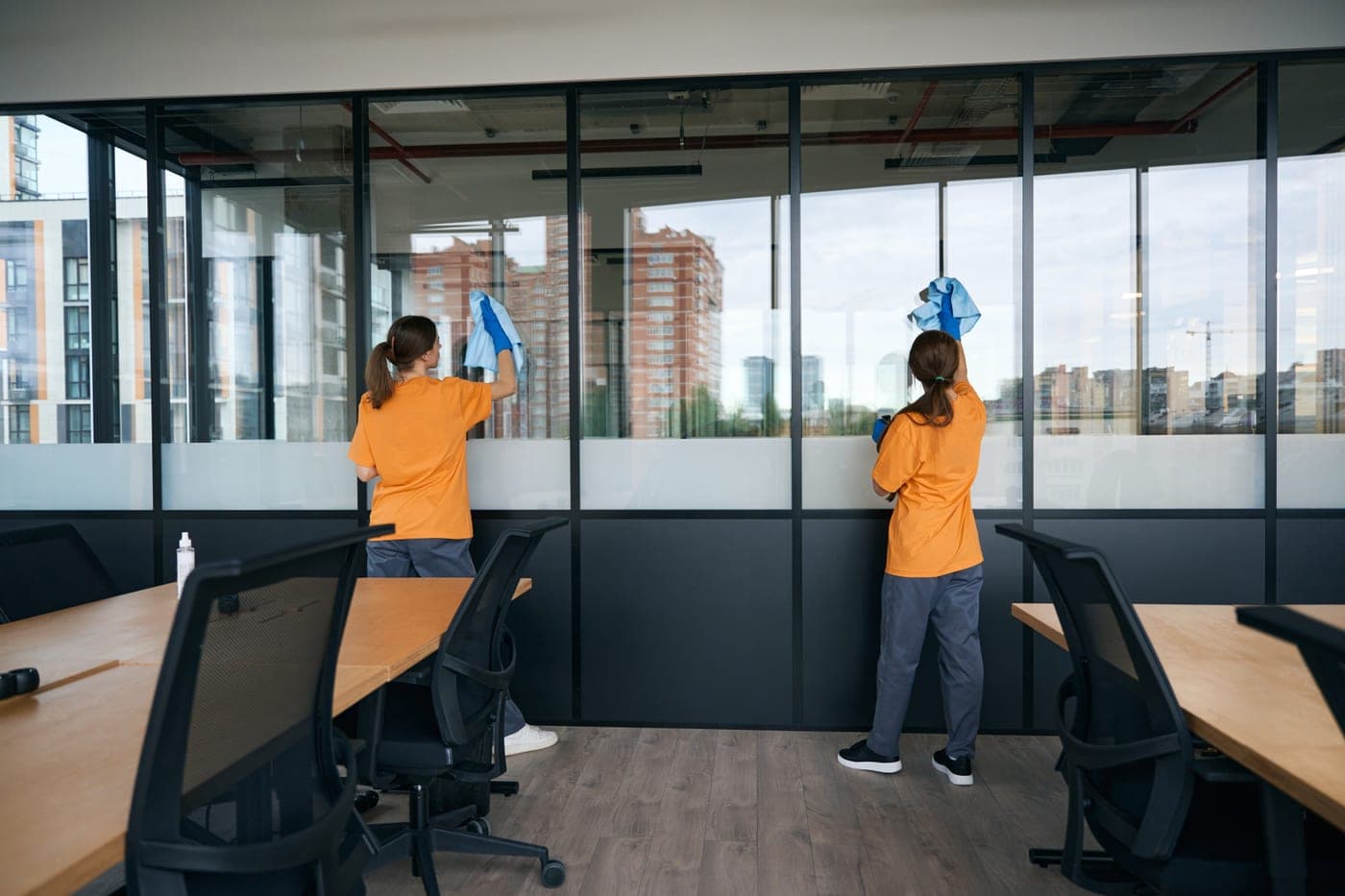
Campus cleaning needs records that match the rhythm of school use
Schools and campuses create a different kind of cleaning visibility problem. Classrooms, cafeterias, restrooms, gyms, libraries, residence halls, and event spaces change use throughout the day, and a supervisor cannot personally inspect every zone after every schedule change, athletic event, rental, or student activity.
The useful record has to follow the building schedule. A team can document work in the specific classroom wing, restroom bank, gym, or residence hall area being serviced, while facilities leaders get a clearer trail for procurement questions, parent concerns, and internal operations reviews.
Where teams usually lose visibility
- Producing the documentation custodial leadership and assessors expect — without manual paperwork that nobody has time to fill out.
- Coordinating across academic schedules, athletic events, and after-hours rentals where shared spaces flip use multiple times a day.
- Managing higher-ed custodial teams across sprawling, multi-building campuses where one supervisor cannot physically see every zone.
- Showing consistent service quality across multi-building campuses or district portfolios with limited central visibility.
A clearer system for reporting, routing, and proof
- Document completed work with timestamped photos so custodial directors and outside assessors can review what was done.
- Surface issues fast — from a clogged drain in a cafeteria to a refilled dispenser in a residence hall — before they become complaints.
- Coordinate campus cleaning across academic buildings, residence halls, athletic facilities, and dining commons from one dashboard.
- Show parents, administrators, and procurement teams a retrievable record of how facilities are maintained.
Built for real facilities work, not generic task tracking
CleanScan combines issue reporting, team routing, and service verification in one workflow so operators and contractors can work from the same ground truth.
Zone-based reporting for classrooms, restrooms, cafeterias, gyms, libraries, residence halls, and admin spaces
Photo proof and cleaning logs that fit RFP and procurement documentation requirements
Cross-campus or cross-district visibility for facilities directors managing multiple sites
Built for education teams that need faster response, clearer accountability, and fewer status-checking loops.
One system for the team doing the work and the team overseeing it
CleanScan works best when both sides can see the same record: what was reported, who owns it now, and what proof exists once the work is done.
Give clients proof, not vague status updates
Custodial contractors use CleanScan to win and retain school contracts — public, private, K-12, and higher ed — by giving administrators a structured operational record their procurement teams can reference.
Keep standards visible across every location
Facilities and operations leaders use CleanScan to keep buildings ready for students, parents, and visitors while reducing the manual work of producing documentation.
Designed to stay out of student data
Reporting a facilities issue at a school requires no account, no app, and no personal information. A scan submits the zone, an issue category, and an optional note. CleanScan does not collect student rosters, does not create student accounts, and is not a system of student education records.
Photo workflows are configured per zone and should be disabled in restrooms, locker rooms, and other sensitive areas — tags can be placed outside those spaces or omitted entirely. CleanScan is not designed to collect images of people or minors, and the district or school approves every tag placement before deployment.
CleanScan is an operational record for cleaning and facilities work. It is not an emergency, life-safety, or bullying and harassment reporting channel, and it should not replace the channels a district already maintains for those reports.
Full details for reviewers are in the Trust Center and the Facility Approval brief.
Common questions about CleanScan for education
Can CleanScan work for both K-12 schools and higher education?
Yes. The same zone-based model can support K-12 buildings, colleges, universities, residence halls, athletic facilities, cafeterias, libraries, and administrative spaces.
Does CleanScan replace custodial work-order software?
No. CleanScan is focused on lightweight reporting, routing, proof of work, and cleaning documentation. It can sit alongside broader facilities systems when a school already has one.
How does this help with school contractor oversight?
Contractors can provide timestamped records by zone, giving facilities and procurement teams a clearer view of what was completed across campuses or buildings.
What information does CleanScan collect from students?
A student or staff member who scans a tag submits the zone, an issue category, and an optional note — no account, no app, and no personal information required. CleanScan does not hold student rosters or education records, and photo workflows can be disabled in restrooms, locker rooms, and other sensitive areas.
How CleanScan helps in education
Scan a tag. Report an issue. Done.
Purpose-built for cleaning accountability — not a CMMS. QR and NFC tags turn any zone into one-tap issue reporting routed to the right team.
Explore solutionProve the work. Keep the client.
Cleaning quality control with a timestamped audit trail — photo proof, timestamps, and resolution history. Shows what was done, when, and by whom.
Explore solutionRestroom cleaning logs and feedback — by scan.
Replace the paper sign-off sheet. QR tags in restrooms capture cleaning logs and anonymous visitor feedback — routed by zone.
Explore solution
Ditch the groupchats and email threads.
Free for small teams. Talk to us for multi-site plans.