
Seen this tag in your building?
CleanScan is the fastest way to report a problem — right from the spot where you found it. No app, no account, and it takes about 15 seconds.
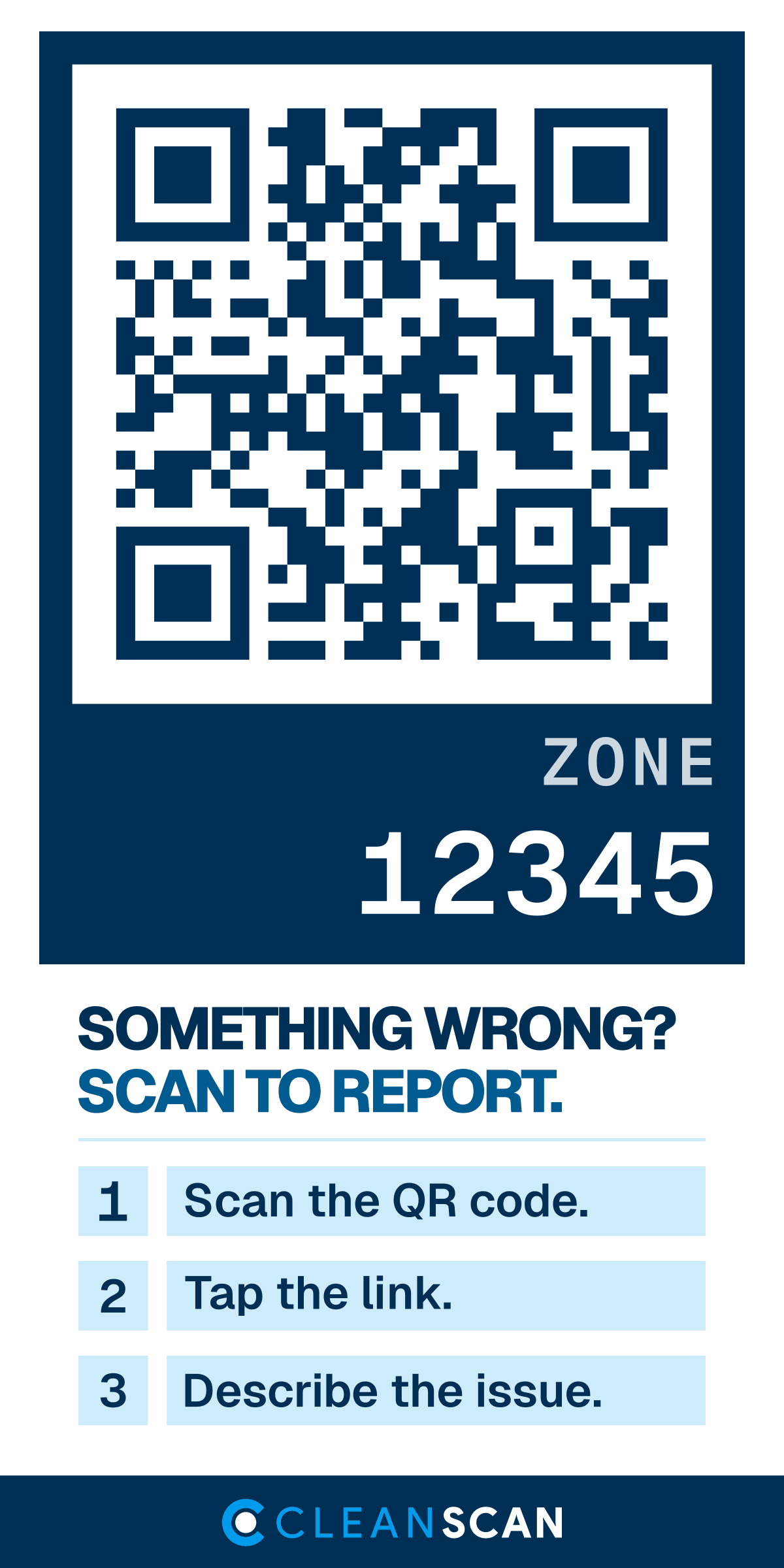
How it works
- 1
Scan the QR code with your phone's camera.
- 2
Tap the link that appears.
- 3
Describe the issue — rate the space or tap what's wrong. Add details if you want, or skip.
That's it. You're done.
What happens next
Every tag is tied to one exact place — a lobby, a restroom, an elevator, a trash room. When you report, the team responsible for that spot gets notified with the location and time already attached. No hunting for the right phone number, no guessing who manages the building.
Your privacy
Your report includes:
- The place (the zone the tag is in)
- The time
- What you told us
Your report never includes:
- Your name
- Your phone number or email
- Any account or login
- Any tracking of you or your phone
Reports are anonymous. Scanning a CleanScan tag is like dropping a note in a suggestion box — except it reaches the right team instantly.
What to report
Spills, overflowing trash, supplies that ran out, something broken or damaged, bad odors, anything that needs attention in a shared space.
CleanScan is not for emergencies. For a fire, medical emergency, or safety threat, call 911. For urgent building issues like major leaks, use your building's emergency maintenance line.
Questions
- Do I need an app?
- No. Your phone's camera scans the code; the report happens in your browser.
- Do I need an account?
- No. Nothing to sign up for.
- Is it really anonymous?
- Yes. The anonymous report flow collects no contact information at all.
- Does it cost me anything?
- No. It's provided by your building.
- Who sees my report?
- The facility or cleaning team responsible for the zone you scanned.
- What if it's an emergency?
- Call 911 or your building's emergency line. CleanScan reports are not monitored around the clock.
Manage a building or run a cleaning company? CleanScan turns reports like these into records your team can route, resolve, and prove.
See how CleanScan works