Show the work. Keep the record.
Photos, notes, and timestamps tied to the space your team cleaned.
- Zone identified by QR or NFC tag
- Work attributed to signed-in staff
- Photos and notes in the same record
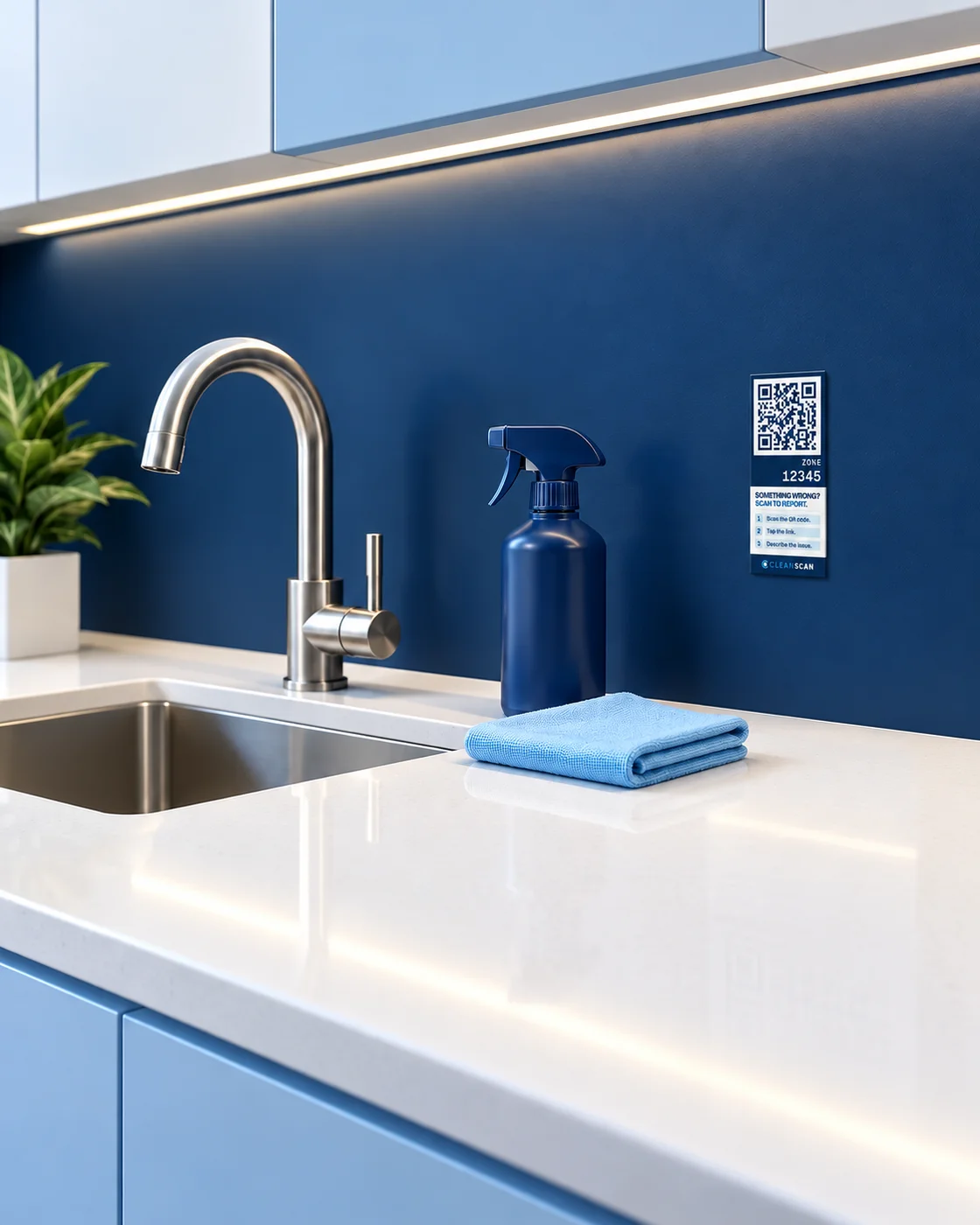
Latest cleaning
Alex M. · Night Crew
Photo + note attached
Example recordScan. Document. Find it later.
Capture the record during the shift, while the team is already there.
- ZONE #12345Example
Kitchenette · Level 2
Staff: Alex M.
Zone identifiedScan the zone tag
Signed-in staff scan the QR or NFC tag where the work happens.
- CLEANING RECORD #1042Example
Counter and sink cleaned
Photo + note attached
Work capturedDocument the clean
Add a photo and note while the work is fresh.
- CLEANING RECORD #1042Example
Alex M. · Night Crew
Kitchenette · Level 2
Saved at 9:18 PMPull up the record
Find the person, location, time, and evidence together.
“Was it cleaned?” Pull up the record.
The photo, note, person, and time sit under the same zone.
- See who documented the work
- Review the photo and note together
- Find the history for that space
Verification records the work. Inspection checks quality.
Need a scored walkthrough? See how inspection fits.
Kitchenette · Level 2
Alex M. · Night Crew
- 9:16 PMZone tag scanned by Alex M.
- 9:17 PMNote added: “Counter and sink cleaned.”
- 9:18 PMPhoto attached to the cleaning record.
- 9:18 PMRecord saved for Kitchenette · Level 2.
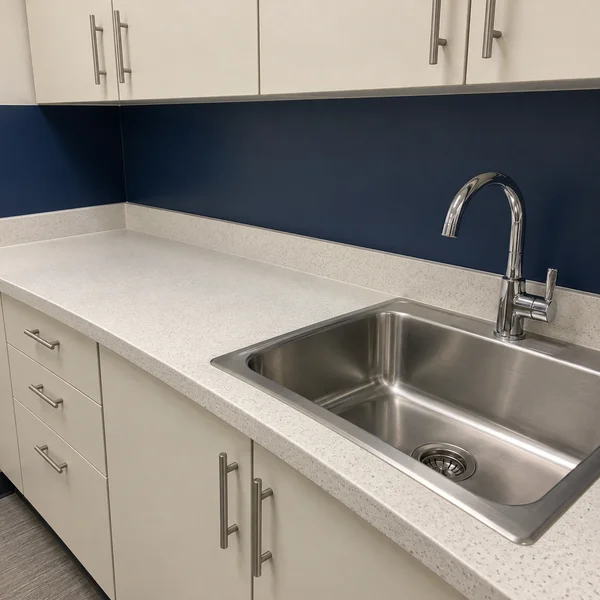
Keep the evidence with the work.
Paper sign-offs vs. CleanScan
- Location
Paper sign-offs: Written on the sheet
CleanScan: Zone from tag
- Person
Paper sign-offs: Initials or signature
CleanScan: Signed-in staff member
- Evidence
Paper sign-offs: Written sign-off
CleanScan: Photo + note in one record
- History
Paper sign-offs: Find the right binder
CleanScan: Search by zone
| What matters | Paper sign-offs |  |
|---|---|---|
| Location | Written on the sheet | Zone from tag |
| Person | Initials or signature | Signed-in staff member |
| Evidence | Written sign-off | Photo + note in one record |
| History | Find the right binder | Search by zone |
Basic workflows shown. Custom setups may differ.
Before your first documented clean.
Something else? Talk to us.
More ways to put the record to work.
Ditch the groupchats and email threads.
Free for small teams. Talk to us for multi-site plans.